Overview
Pricing Browser And Staff Education In One Surface
The reference app is not just a digital sheet. It is a working station for PAL Optical staff with pricing, quick calculations, material explanations, and comparison tools in the same interface.
The original printed list was hard to maintain and slow to use during live customer conversations. This version moves the catalog into a searchable interface where lens families, coatings, add-ons, and services can be located immediately.
What makes the real app distinctive is the second layer: OptiCalc and educational modules. Staff can compute decentration, estimate lens thickness, work through markup math, review receipt-style calculations, and explain materials like polycarbonate, high-index, AR coating, blue light, and transitions without leaving the page.
- Single vision and progressives catalog
- Materials and lens families filter
- Tints and coatings compare
- Overpower and misc. charges lookup
- Dark mode and print-friendly states toggle
OptiCalc
The Calculator Suite Is The Real Differentiator
The portfolio page now reflects the tools that make the app useful on the floor, not just the catalog itself.
Receipt-style basic calculator
Quick arithmetic with visible history so staff can show exactly how a total was reached instead of redoing the math verbally.
Decentration solver
Uses A size, bridge, and patient PD to compute placement and reduce dispensing errors during frame selection.
MBS and markup support
Supports optical pricing logic beyond the browser itself, including markup checks and practical lens math.
Lens thickness visualizer
Turns abstract thickness numbers into something staff can discuss visually with patients and coworkers.
Education
Material Explainers And Visual Comparisons
The reference project includes educational content so staff can answer questions while pricing. That needed to be visible here too.
Lens material guides
Interactive explanations for polycarbonate and high-index lenses make tradeoffs easier to communicate at the point of sale.
- Polycarbonate impact resistance
- High-index thinness benefits
- Use-case comparisons for staff
Coating and protection explainers
AR coating and blue-light education move the app beyond pricing and into patient-facing recommendation support.
- Before/after style comparisons
- Glare reduction talking points
- Protection and comfort framing
Transitions and tint options
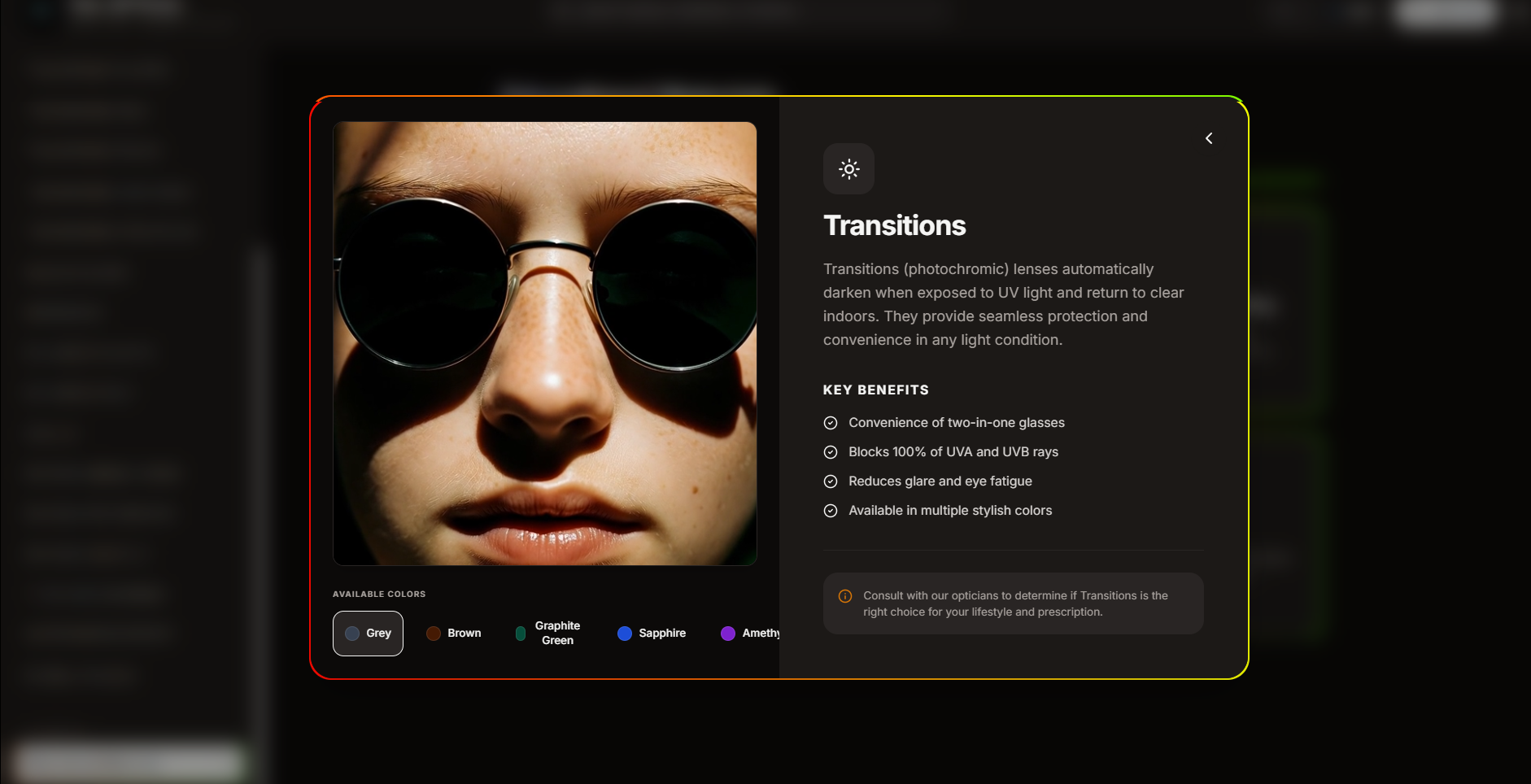
The app references multiple transition color demos so staff can show differences instead of describing them abstractly.
- Grey, brown, emerald, purple, G15
- Video-friendly presentation
- Faster customer decision-making
Screenshots
Interactive Price List In Use
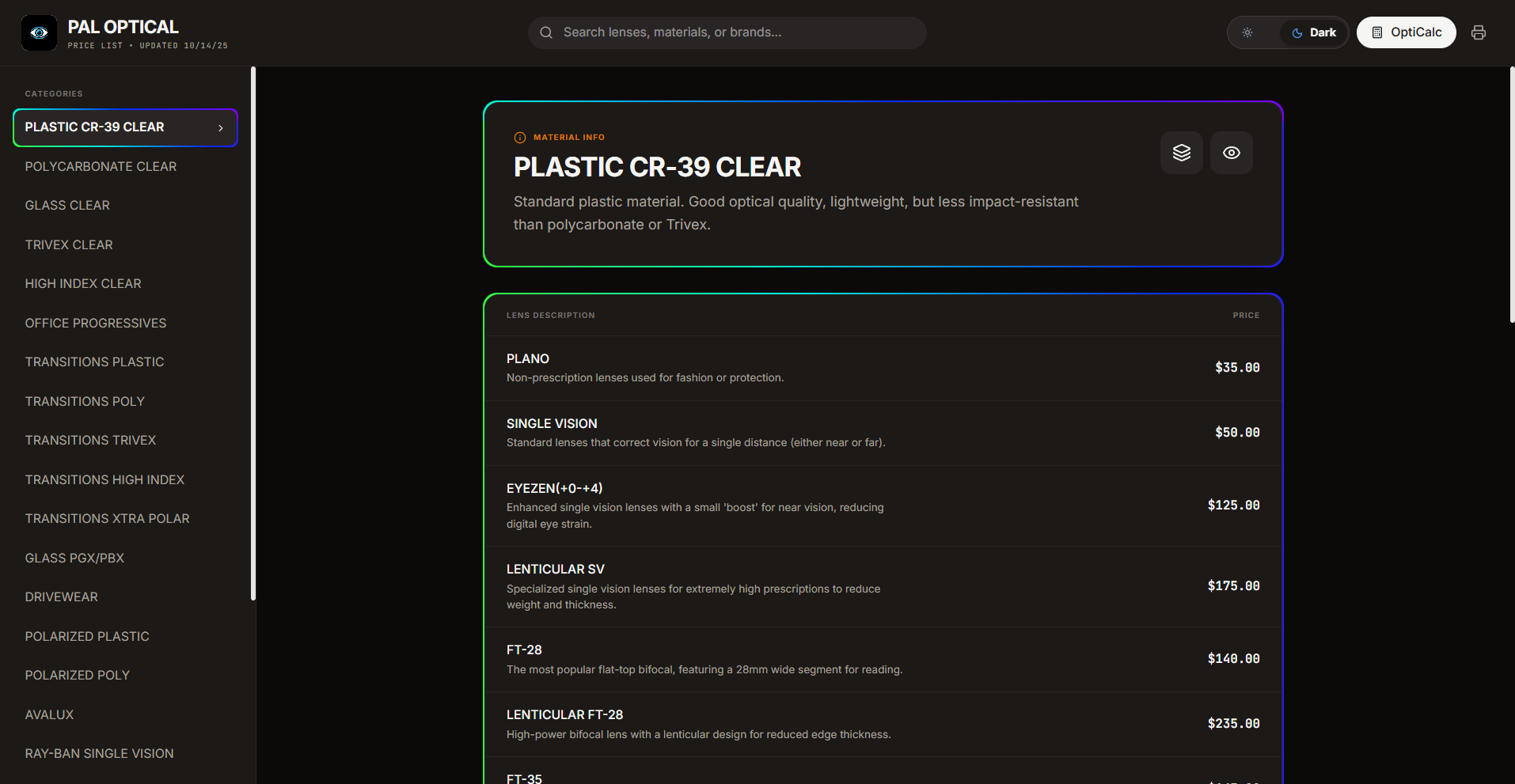
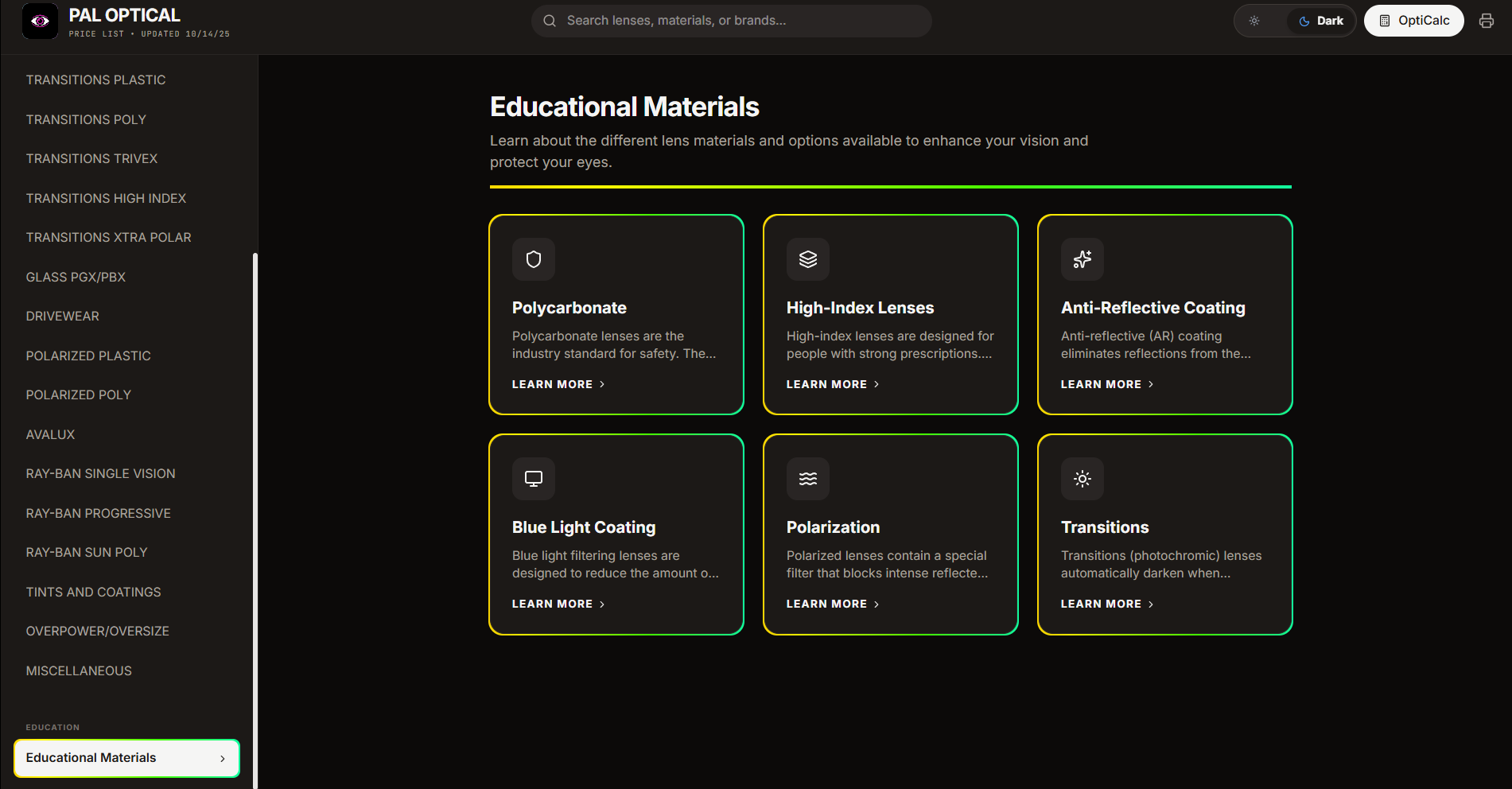
These screenshots show the browser-based workflow, product browsing, and pricing layout used throughout the app.
Screenshot 01
Catalog browsing view
A look at the main pricing interface and the way information is organized for quick lookup.
Screenshot 02
Reference and comparison view
Shows the app's structure for reviewing pricing details and related product options.
Screenshot 03
Workflow support view
Highlights the broader interface layout that supports day-to-day staff use.
Implementation
Tech Decisions Behind The Experience
The stack below reflects the actual reference project rather than the older simplified summary.
| Technology | Usage |
|---|---|
| React 19 + TypeScript | Drives the browser UI, stateful category navigation, dark mode toggling, and tool views. |
| Tailwind CSS v4 | Provides the neutral design system, spacing rhythm, rounded surfaces, and responsive layout behavior. |
| Motion + Lucide React | Adds interaction polish and the cleaner iconography used throughout the real app. |
| Vite | Fast dev/build workflow for the React application. |
| Canvas-style visualization | Supports the thickness visualizer and makes technical lens concepts more concrete. |
Neutral surfaces, rainbow accents
Matches the reference app's restrained palette instead of the older pink/blue case-study styling.
Sticky header and fast filtering
Built around speed of use during real retail conversations and quick product lookup.
Dark mode as a first-class state
The app is designed to stay readable through long shifts, not just to look good in screenshots.
Local setup
Running The Reference App
These steps match the actual project folder more closely and keep the case study grounded in the shipped implementation.
Install and start
- Clone the repository.
- Run
npm install. - Run
npm run devto launch the Vite server. - Run
npm run buildfor production output.
Why this page changed
The older portfolio write-up treated the project like a polished price list. The actual app is broader: catalog browser, optical calculator suite, dark-mode workflow, and staff education surface. This page now describes that real scope.
Reference folder: Price/